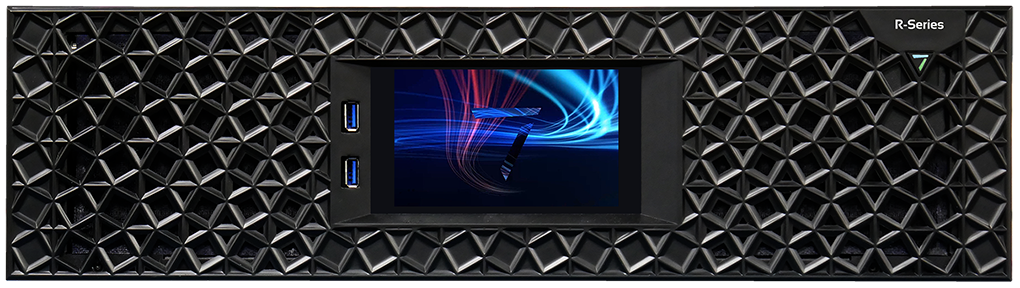
The front panel has a power button in the shape of a ‘7’ recessed into the fascia. The button lights up when the unit is powered on.
The two USB 3 connectors (one on P-Series 6) can be used when accessing for the PC's desktop for typical OS control and data loading operations.
The touchpanel display offers additional limited information and feature access. A unit has never been configured will initially show a landing page with information and options for the role the unit is playing: Delta, Actor or Conjurer. The exact contents of the front screen with its assigned role.